
The feasibility tool allows you to check on the availability of targeted sample, as well as pricing directly in Prodege Peeq. The incidence and length of interview (IR and LOI respectively) can be adjusted on the fly to provide an idea of feasibility at various incidence rates, and the feasibility can also be converted to a project. Feasibility reports are visible to all members on your Prodege peeq account.
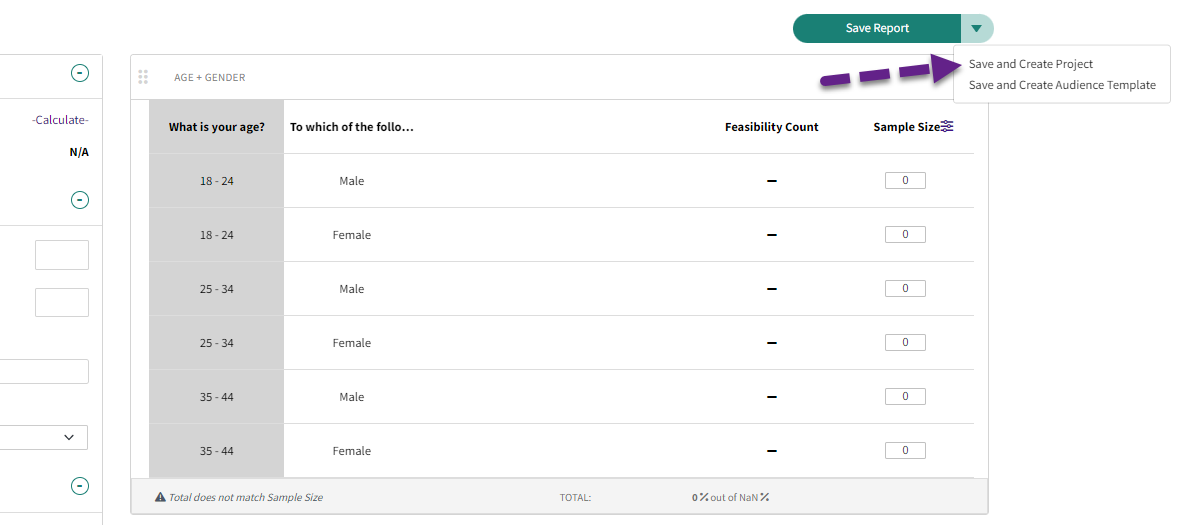
Once saved, a feasibility report be converted directly into a new project. The incidence, survey length, and sample size will automatically be piped into the new project. For additional information, please see our article on creating a new project from a feasibility report.
Checking Feasibility
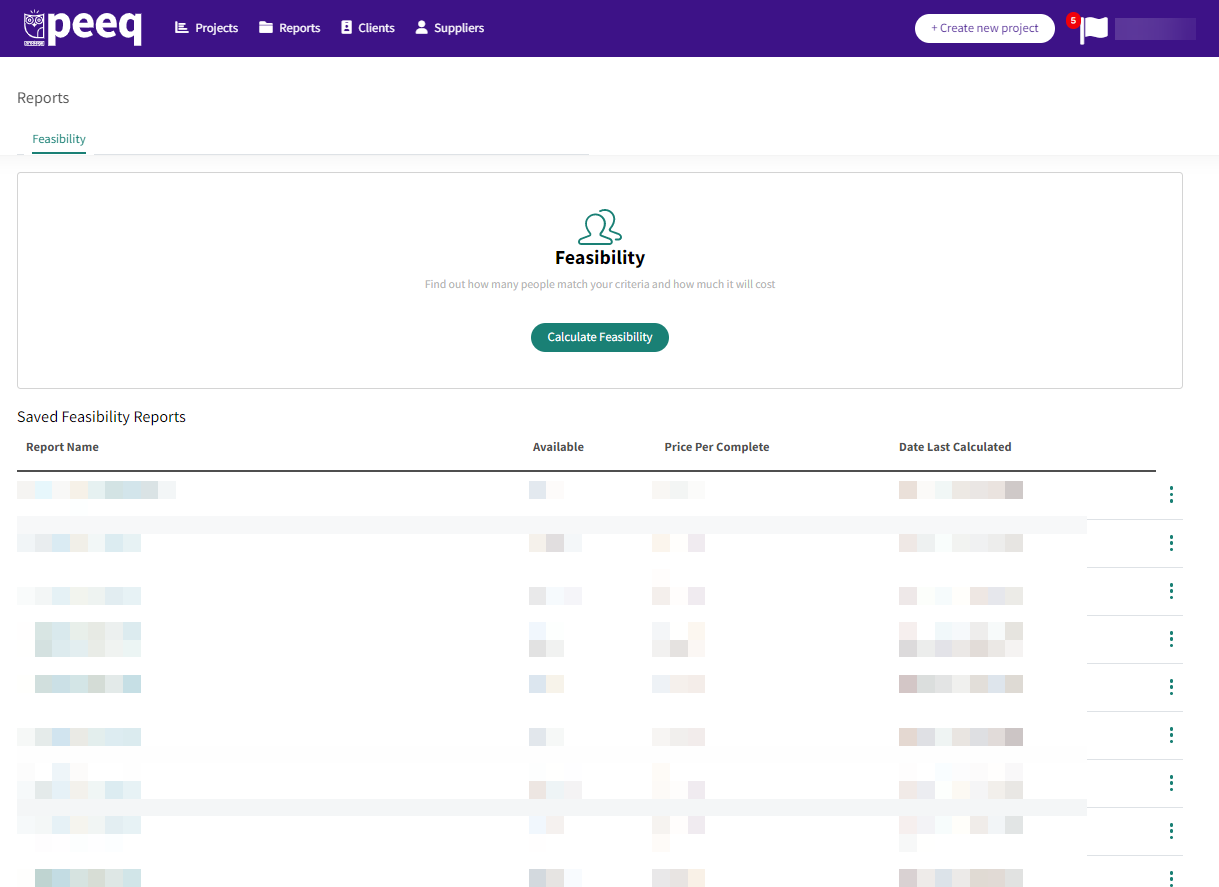
Click "Reports" on the top of the dashboard to review and re-run any previous reports, as well as create a new feasibility report. Click ‘Calculate Feasibility’ to create a new feasibility report from scratch.
Creating the feasibility report
You may see a menu with any existing templates created on your account and utilize those if needed. The example below is for a feasibility report created from scratch.
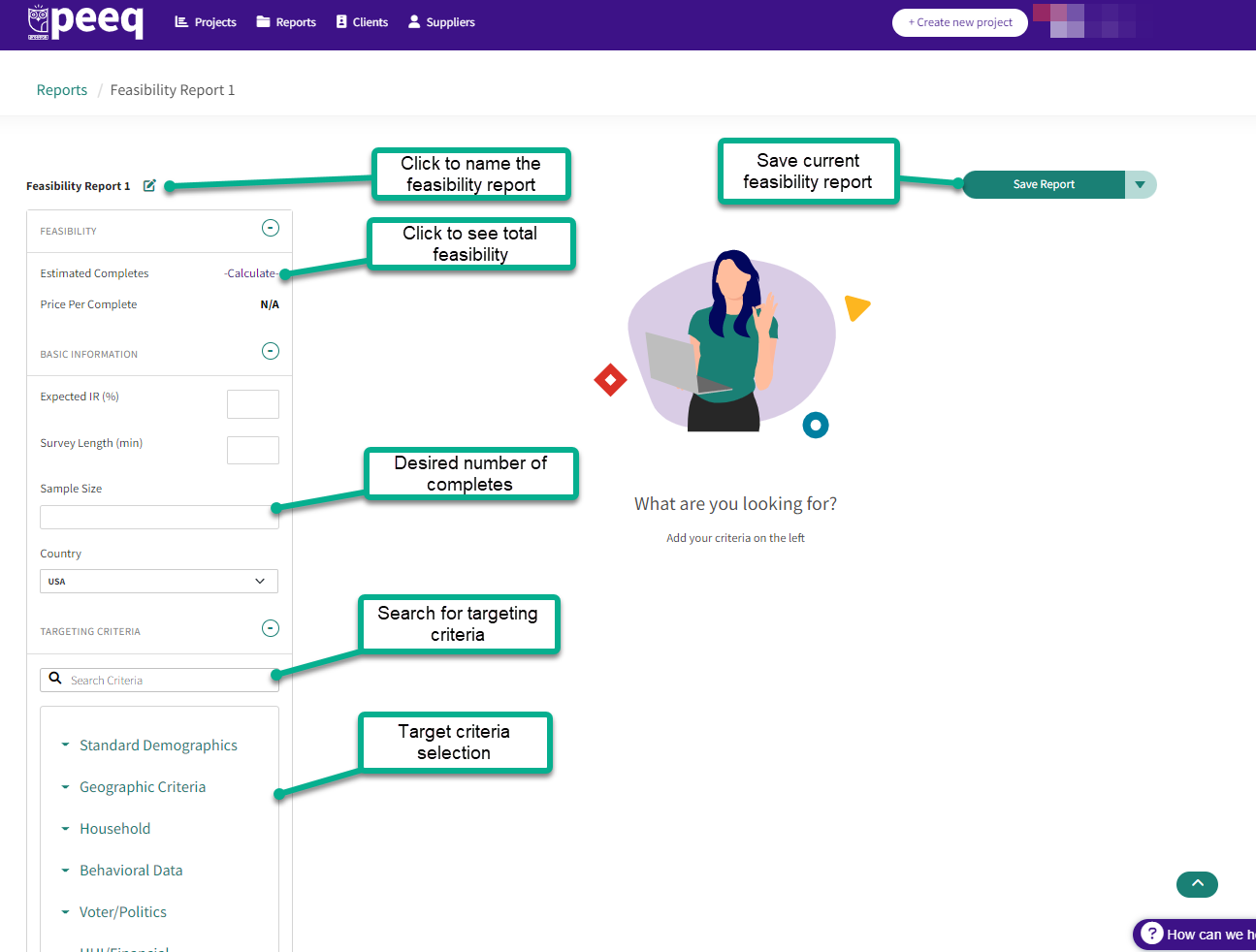
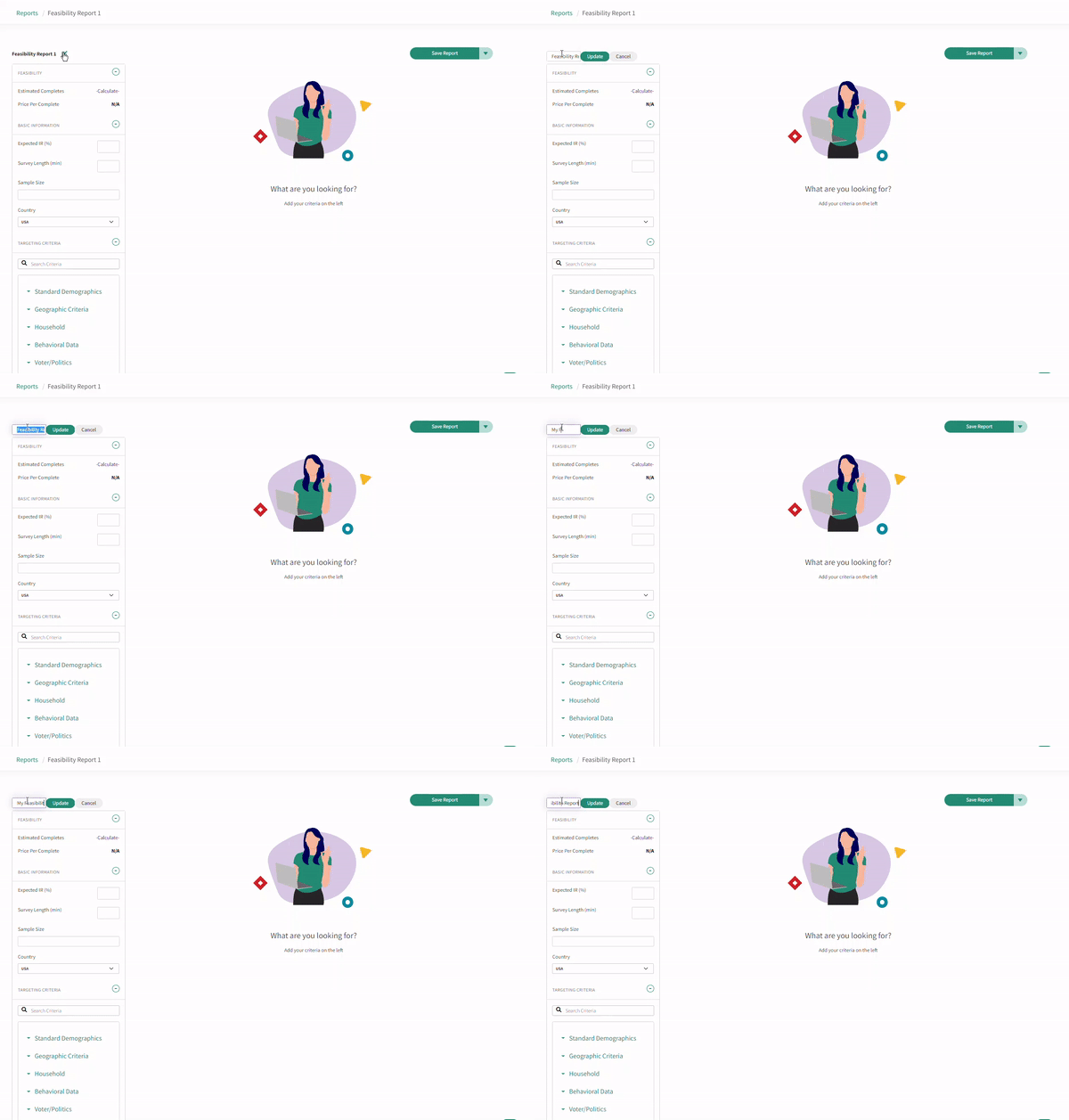
- Name the feasibility report so it's easy to find later
- Enter an Expected IR and Survey Length
- Enter expected sample size
- Select the country and any target criteria
- Click "Calculate" to see feasibility
- Use Save Report to save for later
If you are unsure what the expected IR and LOI, or you want to check pricing at several different tiers, you can update the expected IR and LOI and click -Calculate- to see how the feasibility will be affected.
Helpful Tip: A good rule of thumb for Length of Survey (LOI) is 3 questions per minute.
Selecting Targeting Criteria
You can use the dropdown menu or the search bar to find the available targeting, then drag and drop the targeting criteria to the right hand side.
Once the targeting criteria is placed on the right hand side, you select the individual profiling points you're looking for.
If you have specific quotas, you can see the feasibility for profiling point by clicking on the gear and selecting "Distributions"
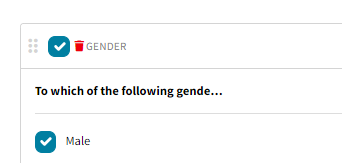
To remove a targeting criteria, hover the mouse cursor to the left of the name of the targeting criteria and click on the red trash can.
Click ‘Calculate’ to display the feasible completes and pricing. The pricing is based on the estimated Incidence Rate (IR) and estimated Length of Survey (LOI).
If you have quotas criteria and you would like to understand our feasibility by group, simply click on 'Distribution' as seen below. This will display our feasibility by each of the groups defined.
Nesting targeting criteria
Targeting criteria can be nested by dragging and dropping one target criteria into another:
Converting a feasibility into a project
A feasibility report can be converted directly to a project by clicking on the "Save and Create Project" option. For additional information on converting
Have more questions or need additional support?
Our experts are happy to do a screen share and walk-through of this process with you.
Submit a request or Live Chat with us!