
Supplier distribution allows you to control the amount of sample coming in from various sample sources specified in your project. To add or manage suppliers on your account, please visit our article on adding a new supplier to peeq
Setting a Supplier Distribution
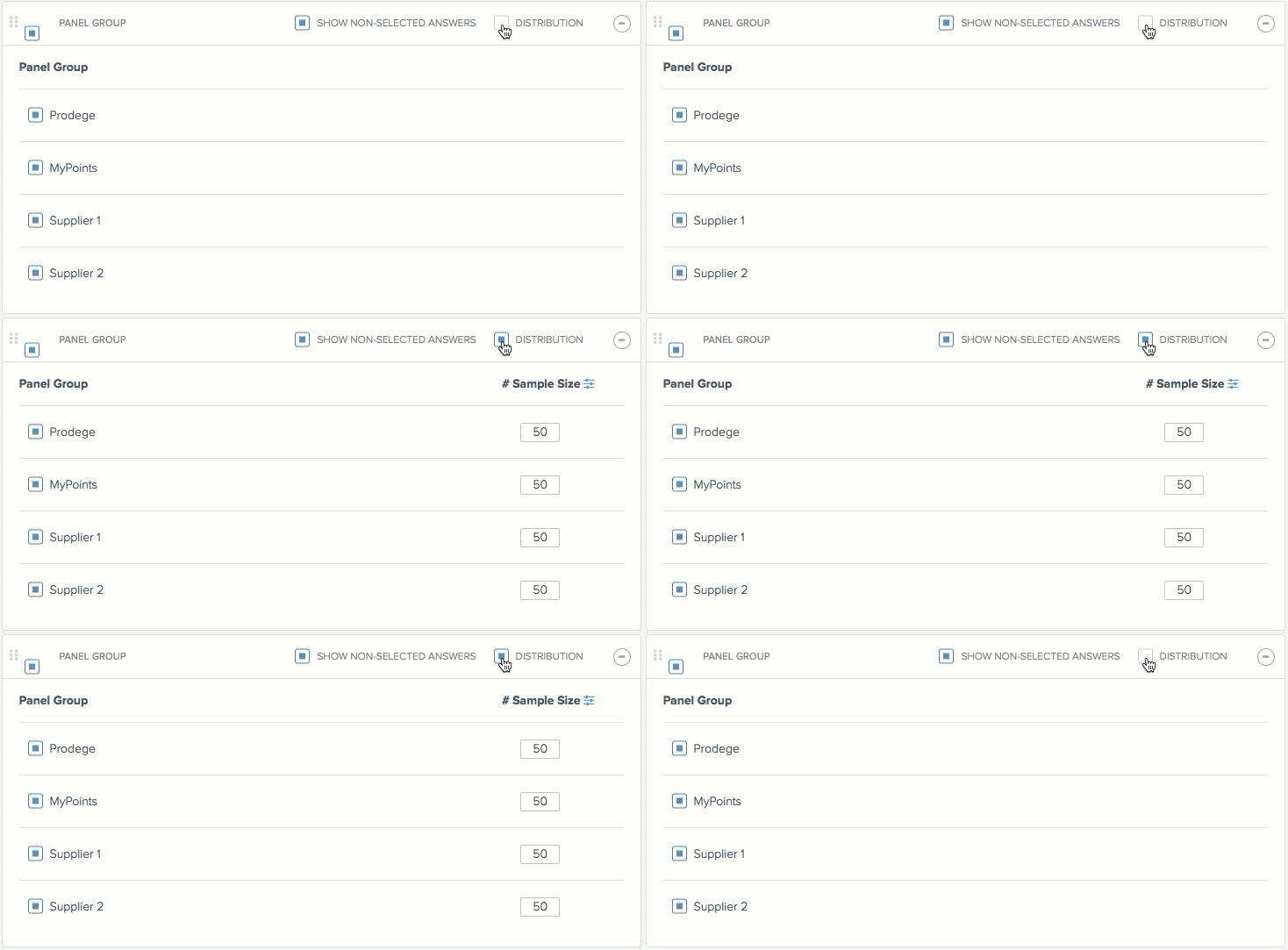
Under the sample group you would like to use for a supplier, click on the 'Distribution' button to enable the feature, and enter the amount of sample desired for each supplier. Note: Clicking on the blue icon to the right of sample size allows setting by percentage
Have more questions or need additional support?
Our experts are happy to do a screen share and walk-through this process with you.
Submit a request or Live Chat with us!