
Welcome to Prodege peeq! We'll get your account set up for the first time in just a few clicks. If you do not have an account yet, please email us at peeqsupport@prodege.com.
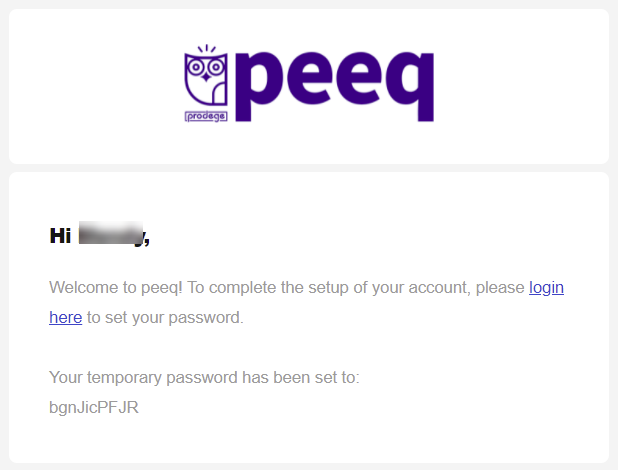
Once your account has been created, you'll receive a welcome email containing a temporary password. Click the Login Here link and enter your email address and temporary password provided from the welcome email.
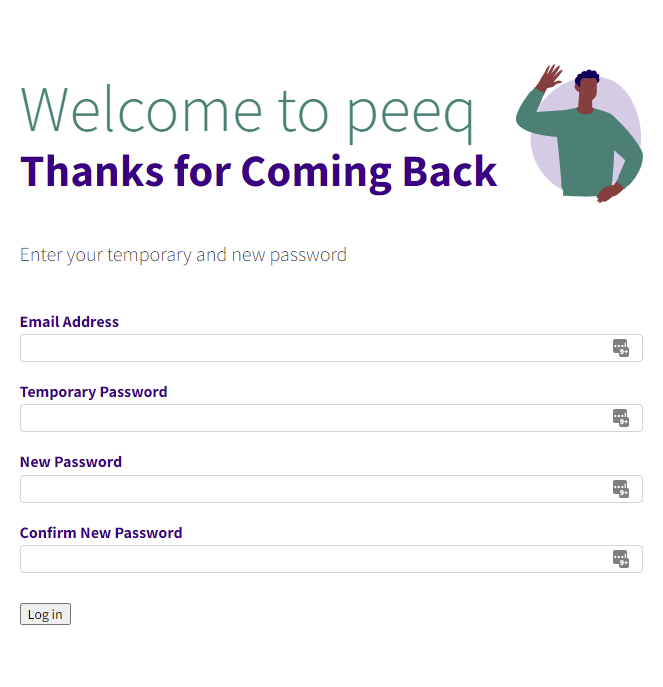
You will be prompted to enter your email and temporary password again along with your newly selected password. Your new password must be a minimum of 6 characters and must contain at least 1 number.
You're all set! Your account has been setup and you can now begin Prodege peeq!
Have more questions or need additional support?
Our experts are happy to do a screen share and walk-through of this process with you.
Submit a request or Live Chat with us!